A Notion account is required. See setup and software requirements below.
Actual product preview · three images below
Put it to work
What you can do with it.
01Review invoice status and keep reminder drafts with each invoice.02Manually maintain reminder counts, dates, notes and follow-up history.03Set up the optional Custom Agent in your own eligible workspace and test sample records before relying on it.
Look inside
See the actual product.
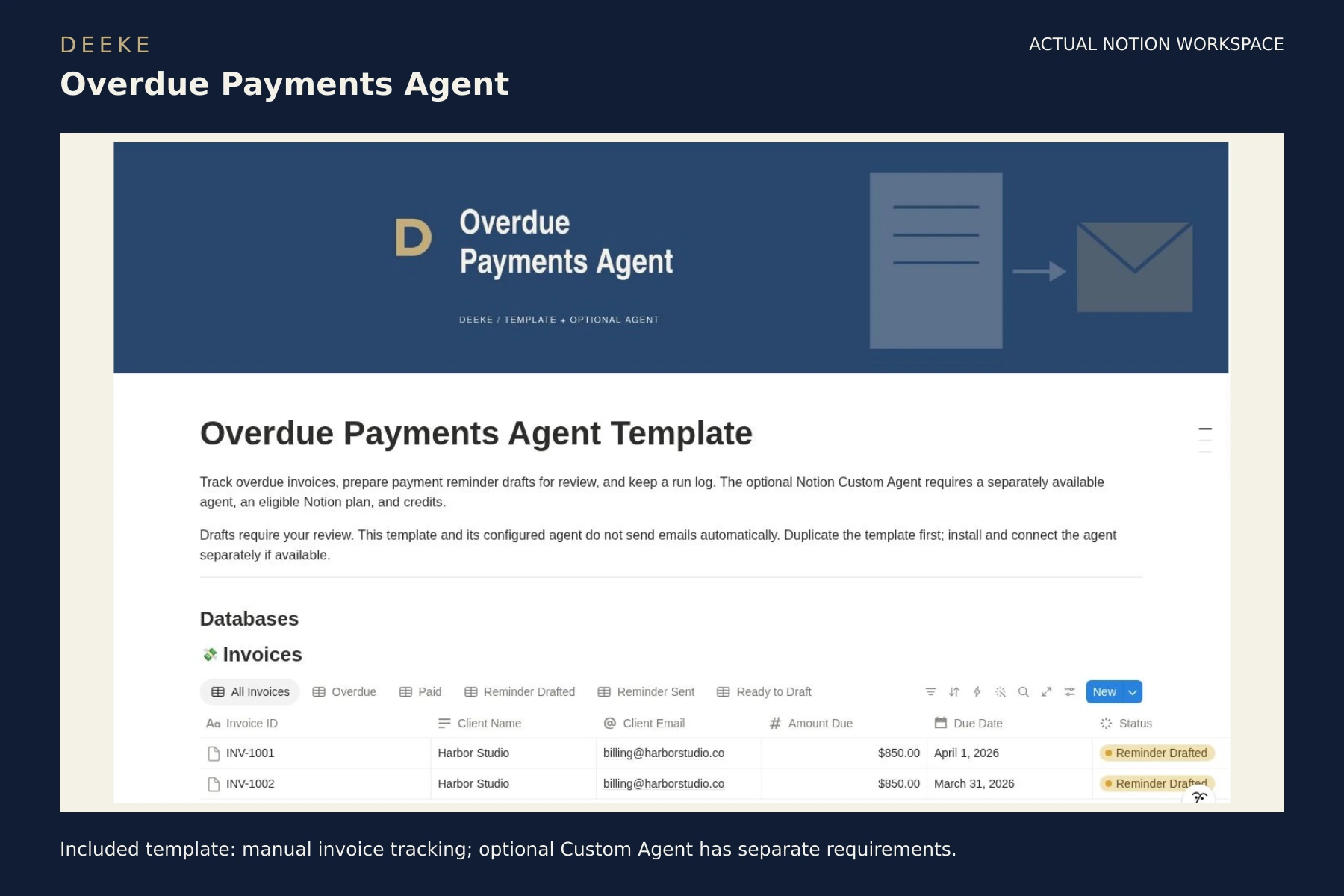
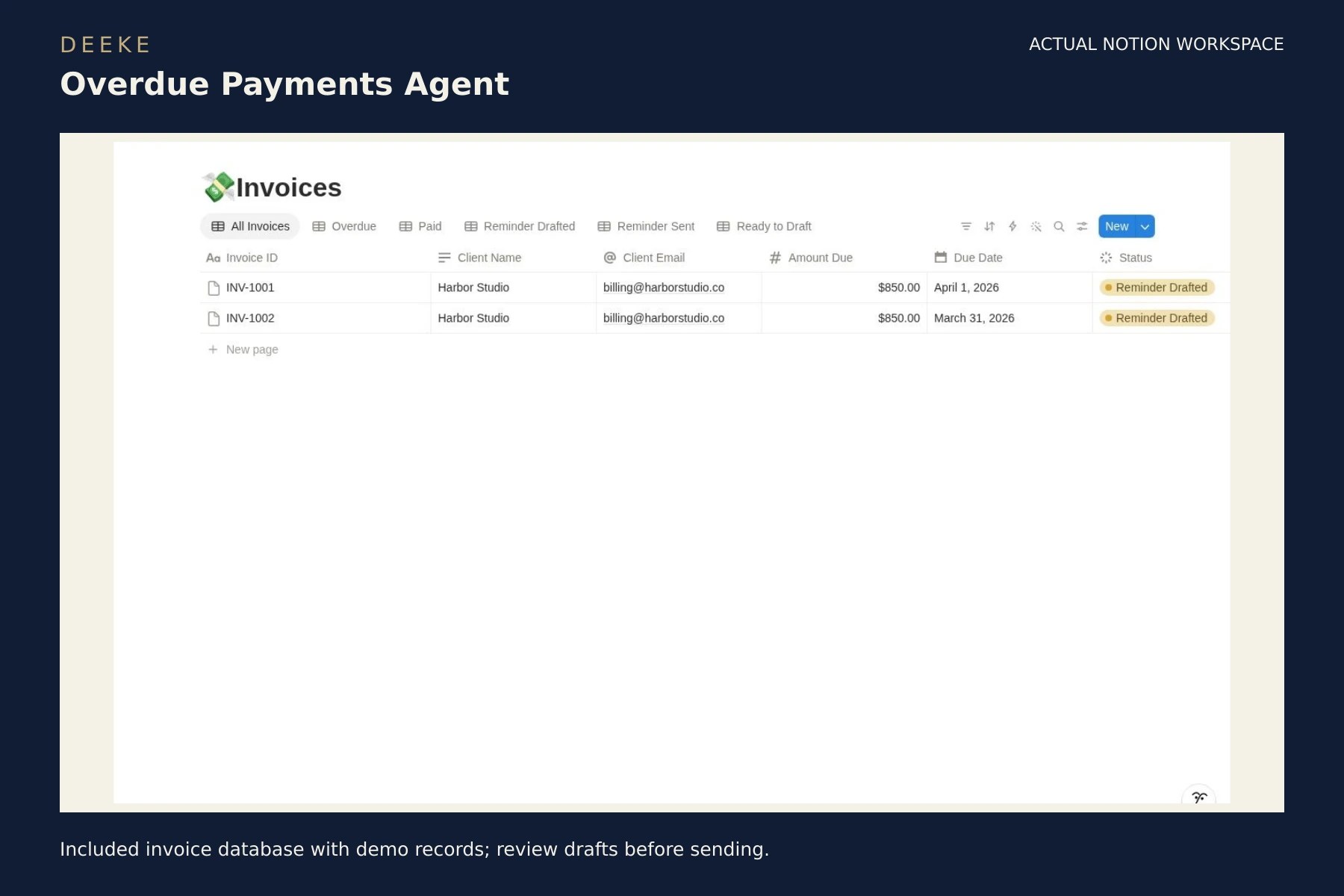
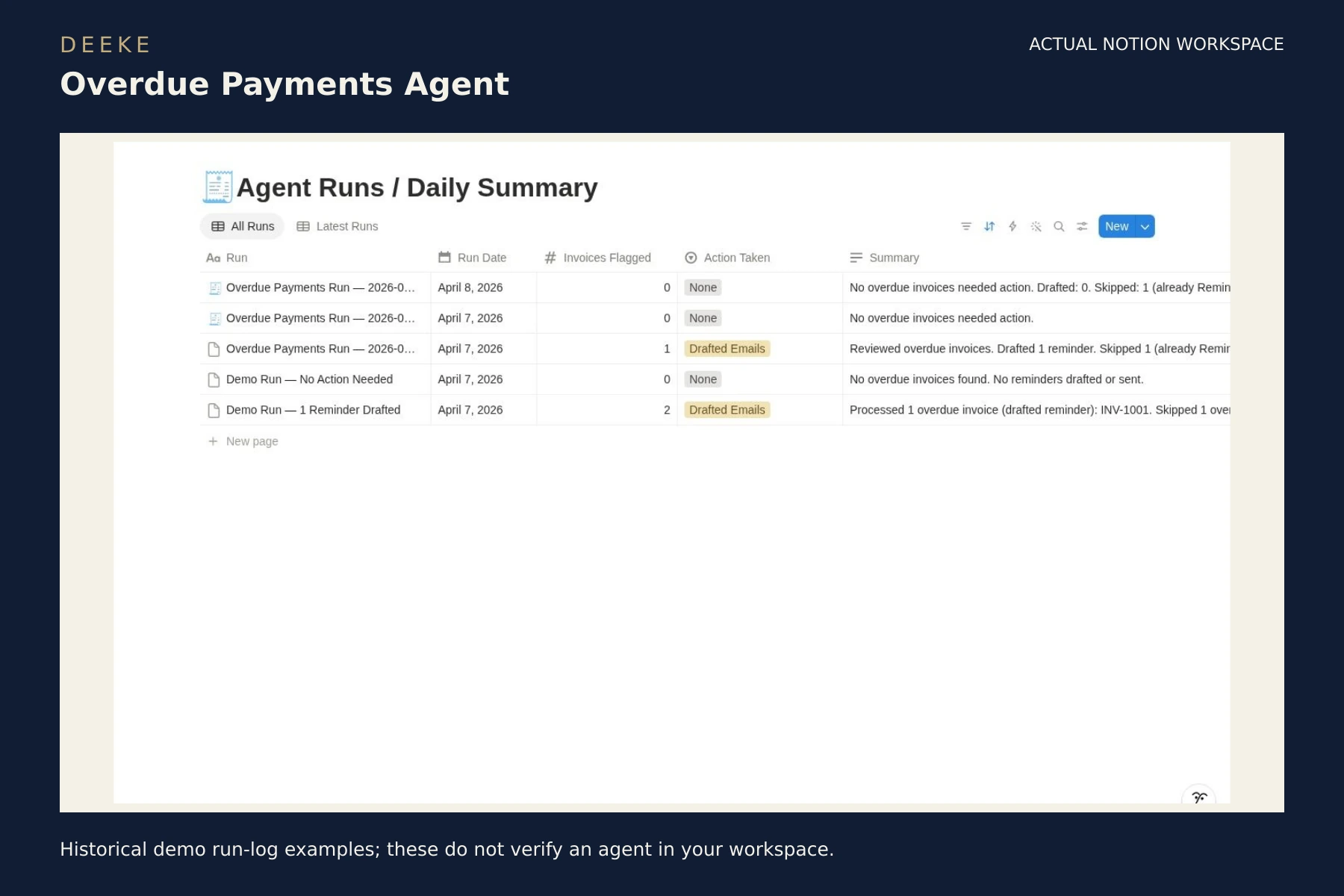
Included workspace or PDF previews in DEEKE frames. Sample records illustrate how to use the product. Select any image to open it at full size.
Included template: manual invoice tracking; optional Custom Agent has separate requirements.Included invoice database with demo records; review drafts before sending.Historical demo run-log examples; these do not verify an agent in your workspace.
Included with your purchase
What you receive.
Notion invoice-tracking template
Matching optional Custom Agent access link
Setup instructions for your own invoice and run-log databases
$19 USD
One-time purchase · digital product. Checkout may add applicable taxes.
A Notion account is needed for the template. Custom Agents require a Business or Enterprise plan and Notion credits, billed separately by Notion. Check eligibility before buying, test with sample data, and review reminders before sending. The invoice tracker can be used manually. Optional agent drafting requires separate setup and sample testing. Automatic email sending and a scheduled reminder service are not included.
Gumroad handles checkout and access to your purchase content.
Get started
Your first three steps.
Purchase through Gumroad and open the supplied workspace access link.
Sign in to your own Notion account and duplicate the template.
Read the included setup guide, replace sample records and start with one workflow.
A clear choice
A few useful answers.
See the included format and requirements before choosing.
Is this a subscription?
This is a one-time digital product purchase. Any software plan or usage costs in the requirements are separate.
Make it your own
You can adapt invoice records, views, and follow-up notes in your duplicated Notion template to fit your process.
Changes to the Custom Agent’s instructions, triggers, or database connections require separate setup and testing in Notion. Test with sample records and review reminder drafts before sending them.
Can I learn more before buying?
Browse the actual previews above and read the related free guide. Preview sample records illustrate the workflow.