A Notion account is required. See setup and software requirements below.
Actual product preview · three images below
Put it to work
What you can do with it.
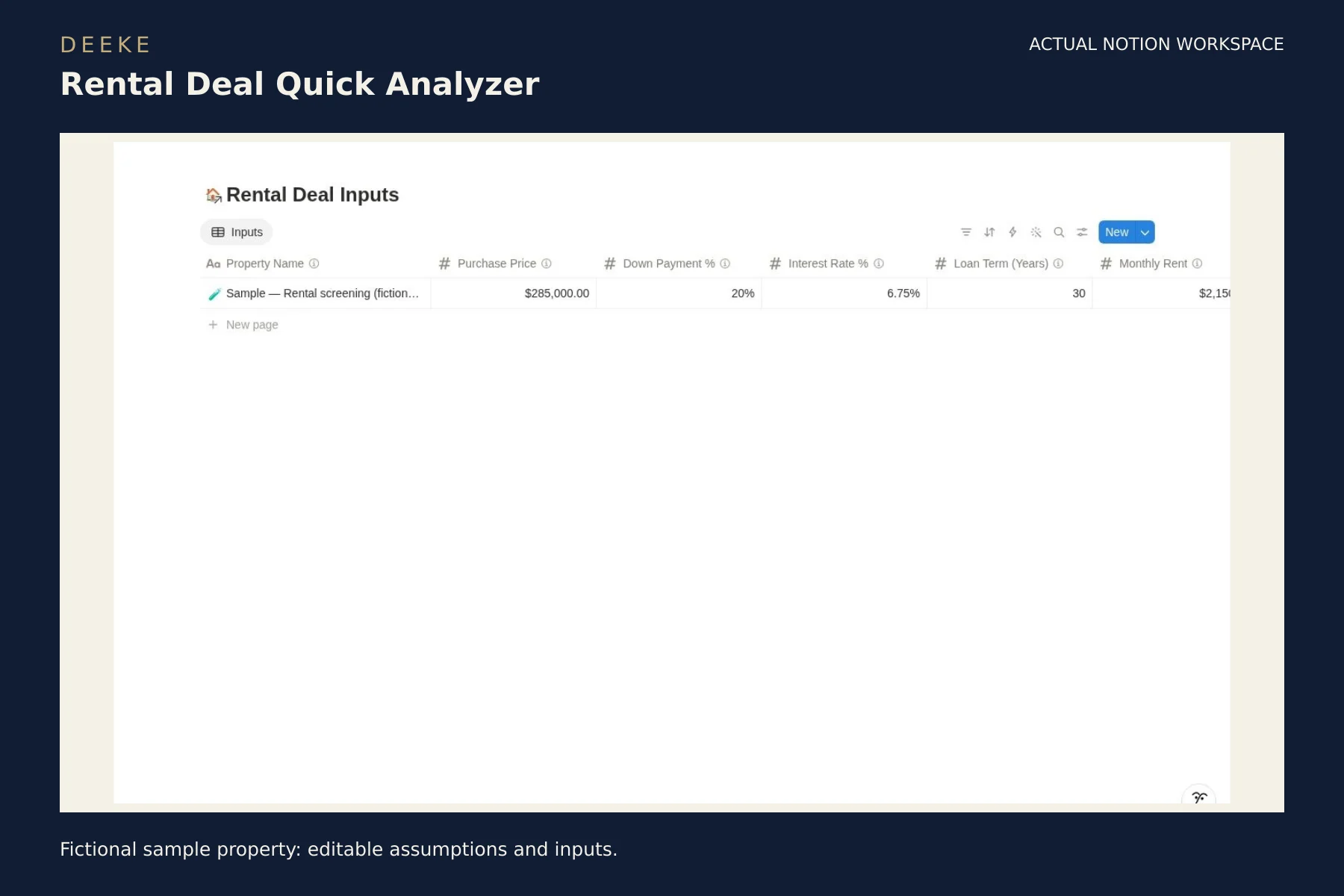
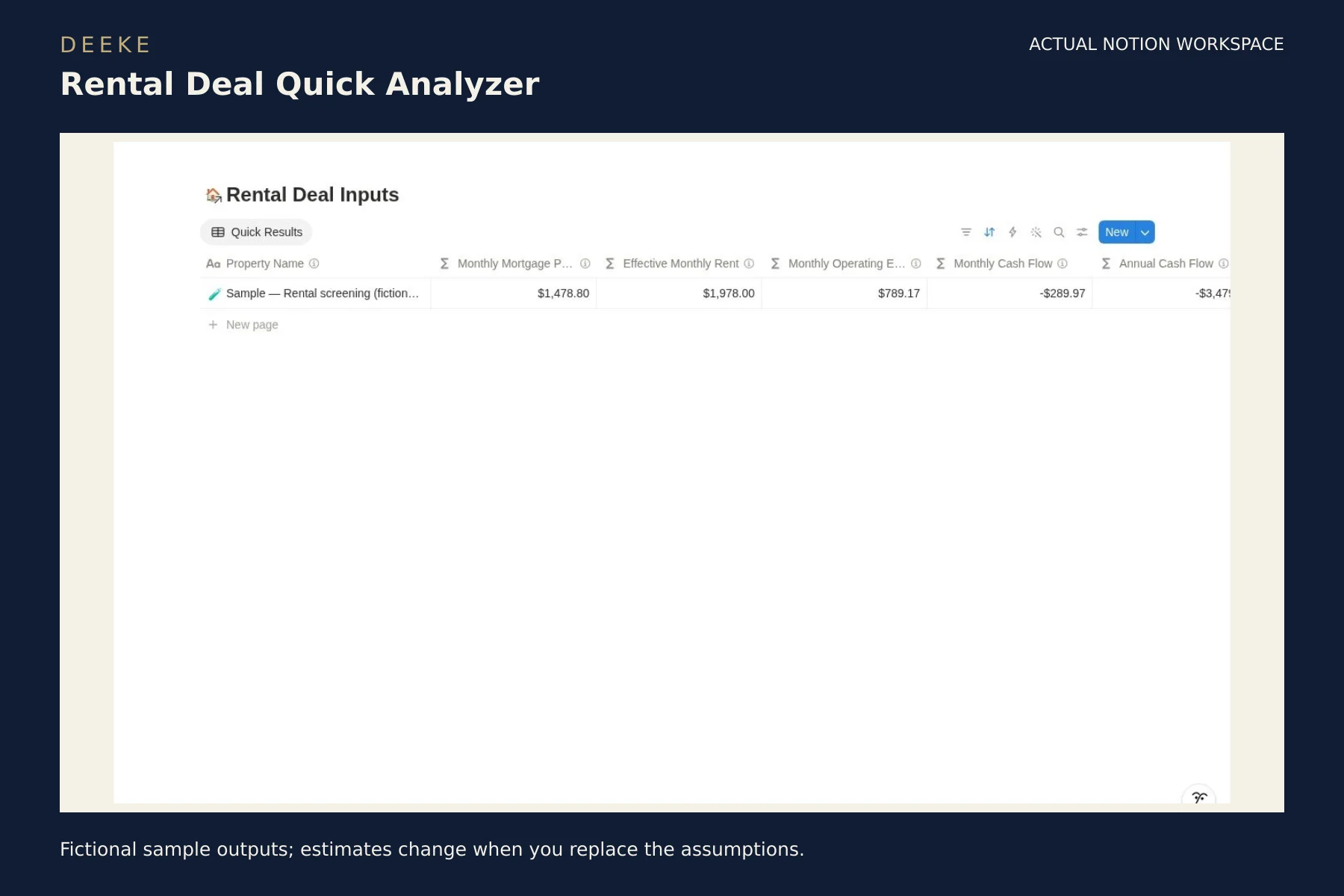
01Enter purchase price, financing, rent and expense assumptions in one record.02Review modeled mortgage payments, effective rent and monthly and annual cash flow.03Use the initial verdict to identify which assumptions need a closer look.
Look inside
See the actual product.
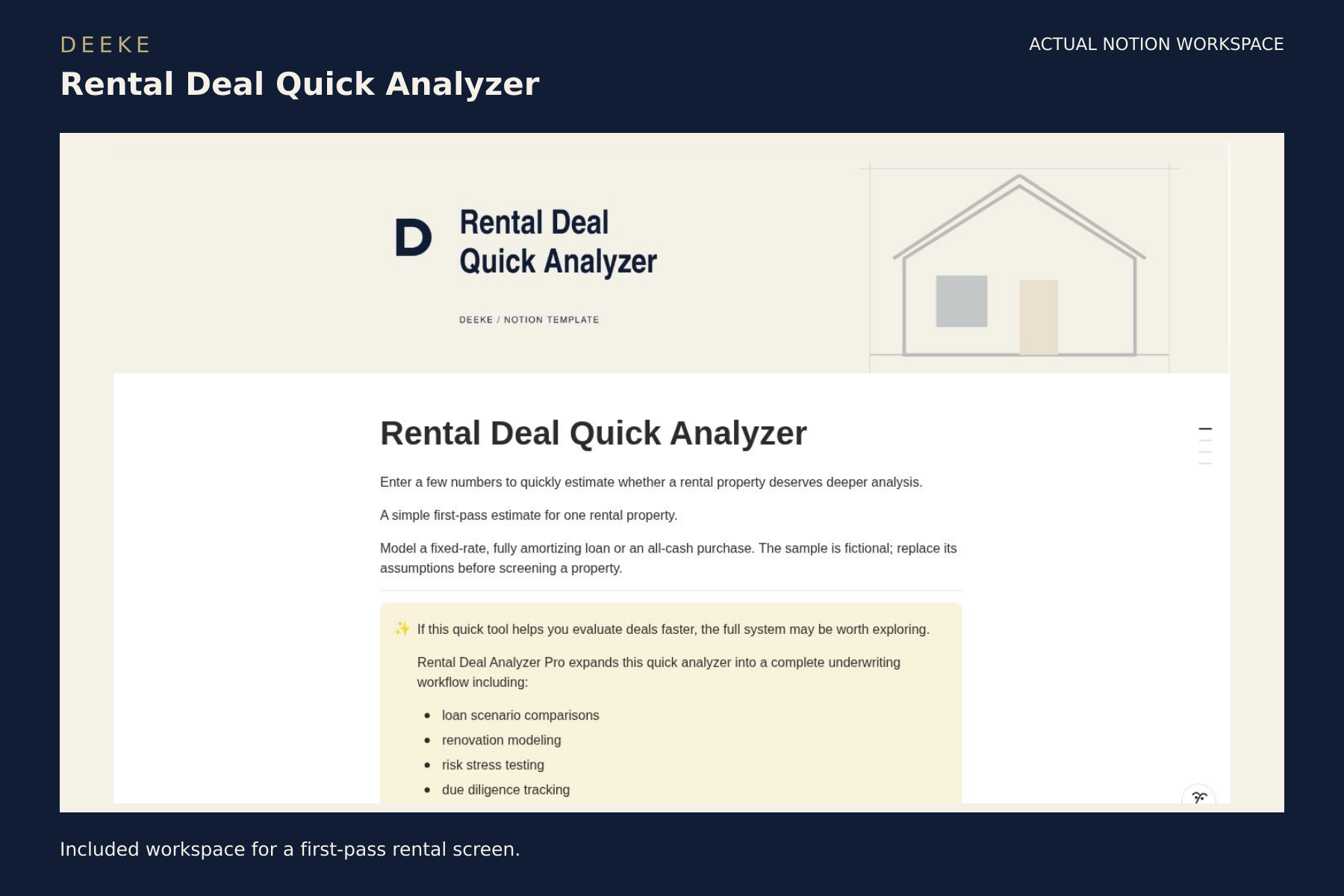
Included workspace or PDF previews in DEEKE frames. Sample records illustrate how to use the product. Select any image to open it at full size.
Included workspace for a first-pass rental screen.Fictional sample property: editable assumptions and inputs.Fictional sample outputs; estimates change when you replace the assumptions.
Included with your purchase
What you receive.
Rental Deal Inputs database with editable assumptions
Monthly mortgage, effective rent and operating expense calculations
Monthly and annual cash flow plus an initial screening verdict
Setup guidance and a fictional sample property
$9 USD
One-time purchase · digital product. Checkout may add applicable taxes.
Before you buy
Requires your own Notion account and property information. Models a fixed-rate amortizing loan or a cash purchase. Results are estimates for an initial screen; verify financing and operating-cost assumptions and complete due diligence before an investment decision.
See the included format and requirements before choosing.
Is this a subscription?
This is a one-time digital product purchase. Any software plan or usage costs in the requirements are separate.
Make it your own
Duplicate the whole template into your own Notion workspace, read the setup guide and replace the fictional sample records with your property assumptions.
Keep an unchanged backup. Test changes to formulas, database relations and screening rules before relying on your copy.
Can I learn more before buying?
Browse the actual workspace previews above and review the listed contents, requirements and model limits. The Gumroad listing contains the same purchase details.